Vicosight Integrate: a complete feature guide
Vicosight Integrate is a data connectivity feature that enables you to link data sources directly to your InDesign and InCopy documents, reducing...
1 min read
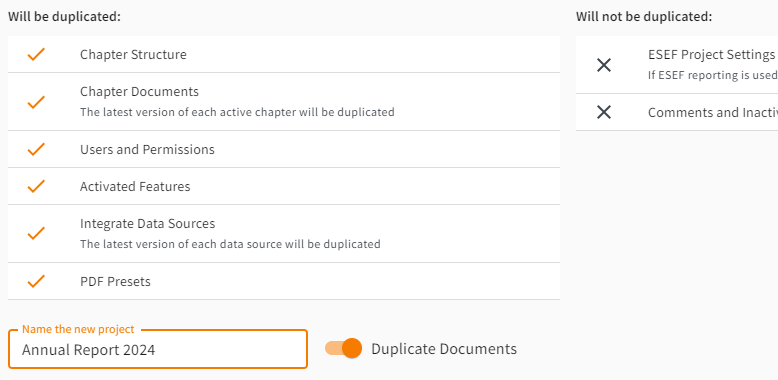
When creating a new project based on an existing one, you can now easily duplicate the latest versions of all active chapters, including the documents for each chapter. As before, this includes the chapter structure as well as the users and their permissions. Duplicated chapters in the new project are immediately available for editing in InDesign or InCopy without the need for manual uploads.
For Integrate-enabled projects, the duplication process now preserves the links between your chapters and their corresponding Data Sources. This eliminates the need to manually re-link data, streamlining your workflow and ensuring data consistency from the start of the new project.
Please Note : For Integrate links to be preserved when duplicating a project, the Duplicate Documents option needs to be enabled.
Visit our step-to-step guide: How to Roll Forward to a New Version of InDesign with Integrate
As a company administrator, start the Duplicate Project functionality as you normally would from the project context menu on the company page.
Simply keep the Duplicate Documents option switched on, and the latest versions of your chapters will be duplicated along with their linked Integrate data sources (if applicable).
Would you like to know more about the latest features?
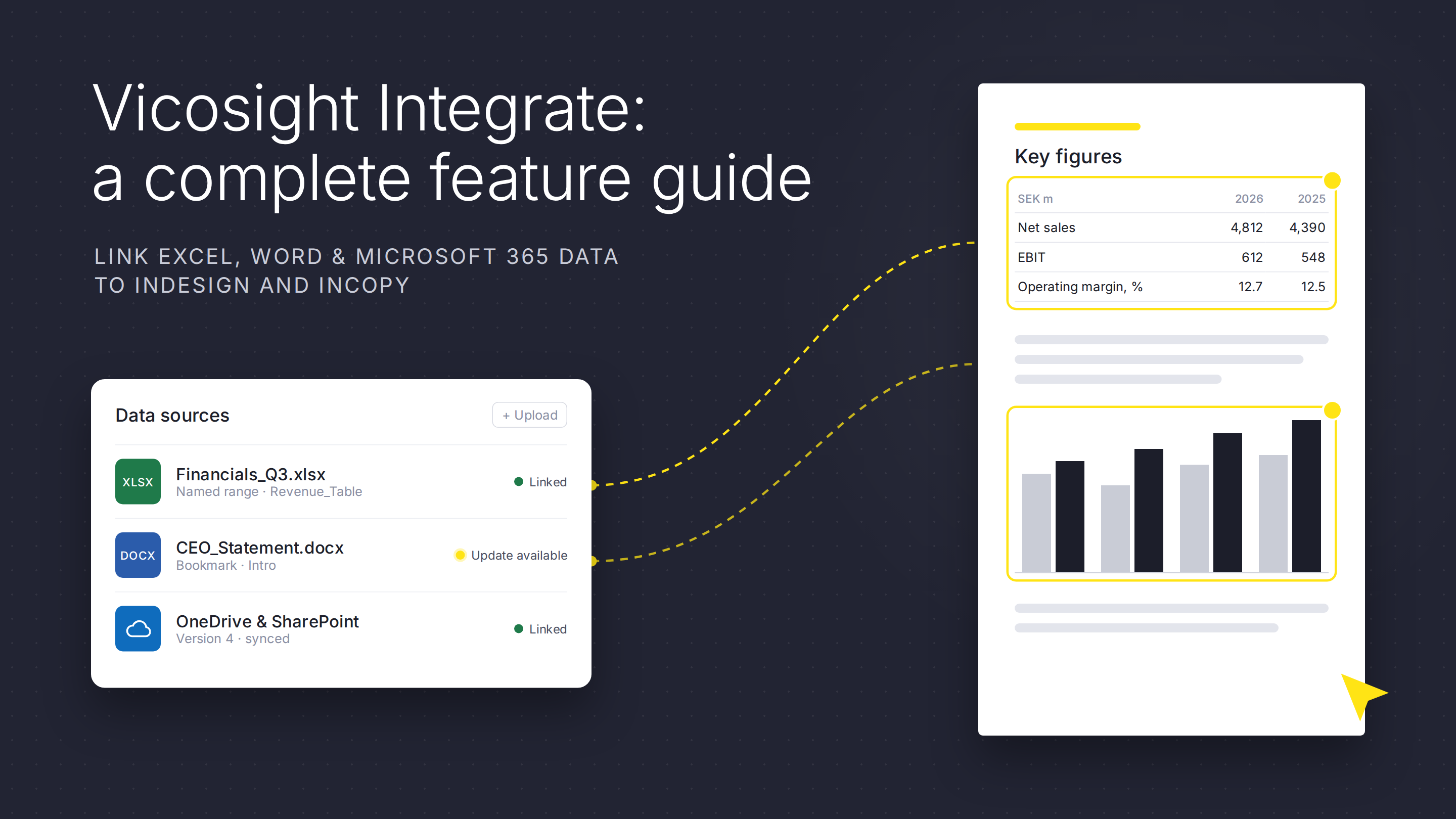
Vicosight Integrate is a data connectivity feature that enables you to link data sources directly to your InDesign and InCopy documents, reducing...
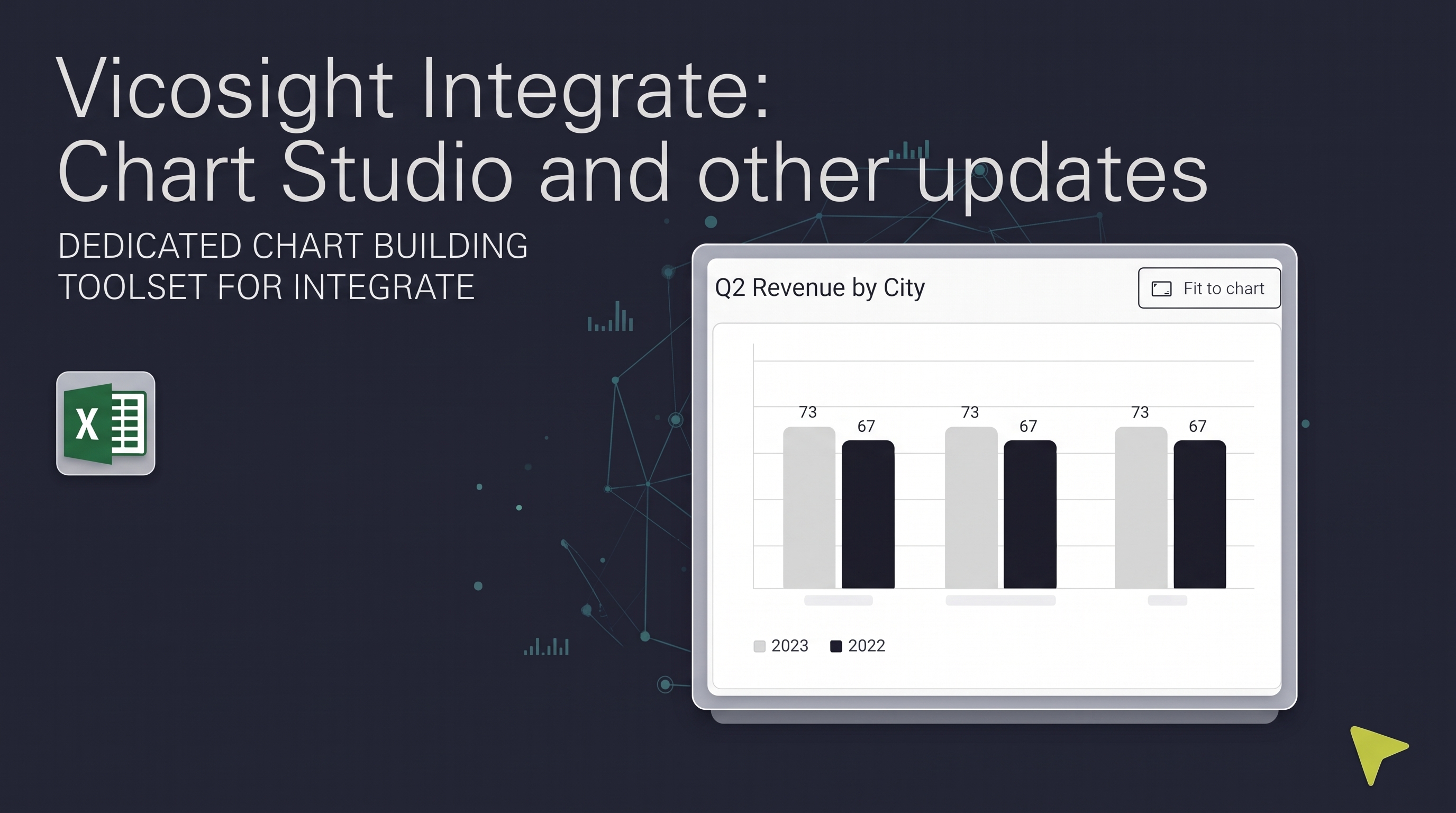
Over the past several months, Vicosight Integrate has received a series of updates introducing new capabilities and improvements to data handling,...

CtrlPrint has officially transformed into Vicosight, evolving from a trusted production tool into a modern digital ecosystem. Transitioning a 25-year...
Improved page navigation features for efficient workflows To simplify your work, the page number of each start and end page of a chapter as it...

Previously, CtrlPrint Review generated the necessary images for a new chapter version on the server side, which could take some time. However, we...
Discover the latest updates to Vicosight Integrate, including the new Chart Studio, improved Microsoft 365 connectivity, and enhanced data import...