Vicosight Integrate: Chart Studio and other updates
Over the past several months, Vicosight Integrate has received a series of updates introducing new capabilities and improvements to data handling,...
2 min read
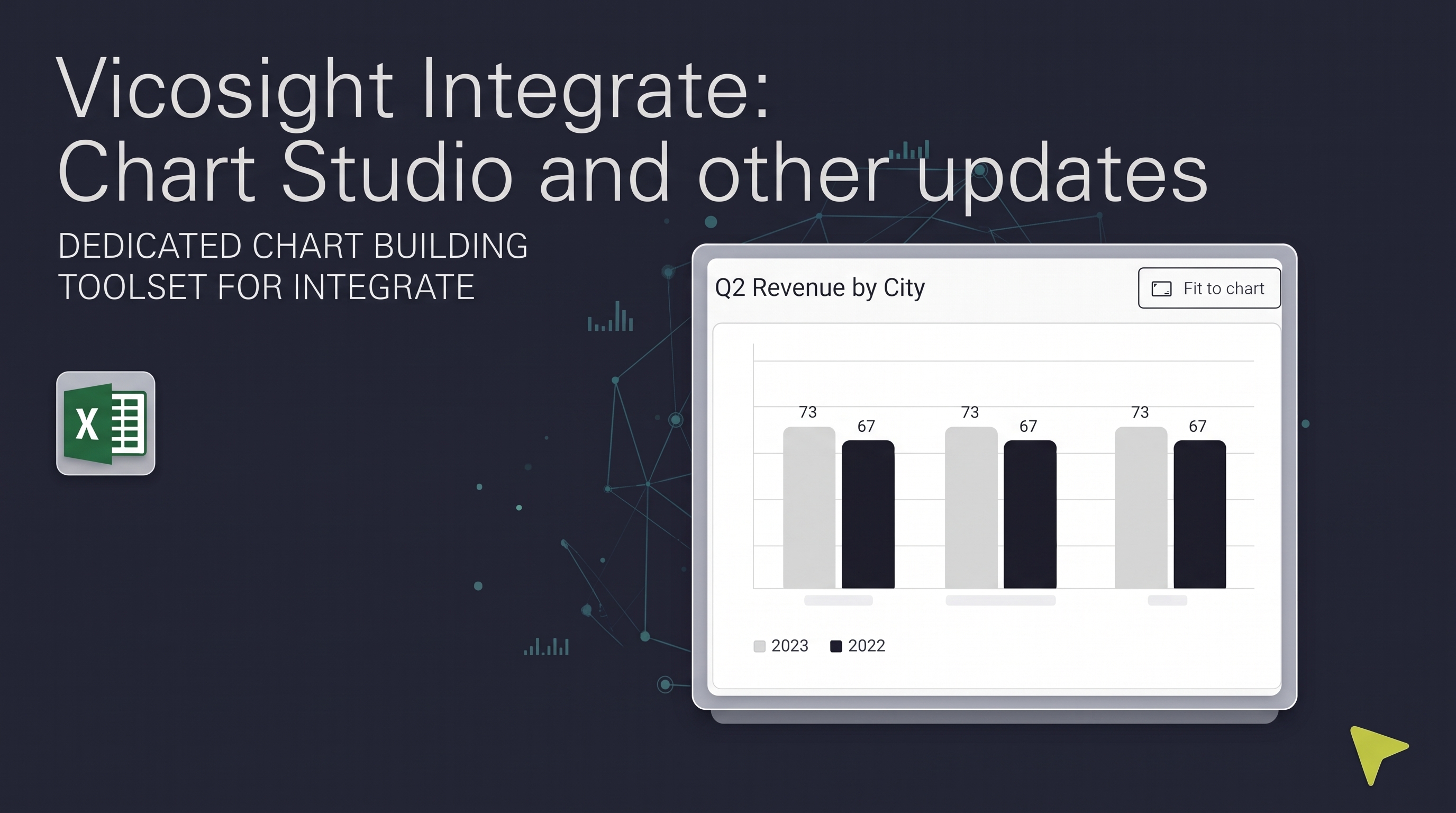
Over the past several months, Vicosight Integrate has received a series of updates introducing new capabilities and improvements to data handling, formatting, and Microsoft 365 connectivity. Here's a summary of what has changed.
Integrate now includes a dedicated chart-building toolset.
Chart Studio allows you to create, style, and save custom charts linked directly to your Excel data sources. Charts remain connected to the source data so they can be updated when the underlying data changes.
Chart Manager provides a central location within the Integrate widget for creating and managing your charts. From here you can select a data source, access previously created charts, and download them as editable SVG files for use in your documents.
Chart preview and insertion are available directly within the Integrate panel. Charts created in Chart Studio can be previewed and inserted into your InDesign documents from here, and will retain their live link to the data source after insertion.
.gif?width=1200&height=1200&name=Vicosight-charts%20(3).gif)
Direct Microsoft 365 connectivity: Integrate now supports direct upload from Microsoft 365. You can securely connect to OneDrive and SharePoint within Integrate to upload Word and Excel files without downloading them locally first. Once connected, data sources can be updated using the same cloud-connected files, identified by a cloud icon on the update button. Microsoft OAuth tokens are automatically invalidated on logout for security.
Faster syncing: updates from Microsoft 365 data sources now sync faster after clicking 'Update', reducing the time spent waiting for data to reflect the latest changes.
Replace local files with Microsoft 365 files: You can now update a locally uploaded data source by replacing it with a file from Microsoft 365, making it easier to transition your workflow to cloud-based files.
When uploading a new version of an Excel data source, you can now see an at-a-glance comparison between the current and incoming version before confirming the upload. A loading indicator also displays while the file is being processed.
Three new project-level settings give you greater control over how data is imported from Excel.
Ignore hidden rows and columns: Choose whether hidden content in your Excel source is included or excluded when inserting tables into InDesign. This ensures your layout reflects only the visible data you intend to display.
Line break handling: Control whether line breaks within Excel cells are imported as soft returns (forced line breaks) or hard paragraph breaks in InDesign, giving you more control over typographic consistency.
Sort by Excel order: Named ranges in the Integrate panel can now be sorted to match the order they appear in your Excel source document, making it easier to locate specific tables or values when working with large data sources.
If you are new to Vicosight and want to learn how Integrate helps you connect your data to your designed report, we are happy to help. Contact our team to book a demo and read more about Integrate on this page.
.gif?width=1200&height=630&name=Integrate%20workflow%20(3).gif)
Over the past several months, Vicosight Integrate has received a series of updates introducing new capabilities and improvements to data handling,...

CtrlPrint has officially transformed into Vicosight, evolving from a trusted production tool into a modern digital ecosystem. Transitioning a 25-year...

CtrlPrint is now officially Vicosight, and we are not just updating our visual identity, but we are continually looking for ways to enhance the...
1 min read
CtrlPrint has officially transformed into Vicosight, evolving from a trusted production tool into a modern digital ecosystem. Transitioning a 25-year...
1 min read
Improved page navigation features for efficient workflows To simplify your work, the page number of each start and end page of a chapter as it...

1 min read
Previously, CtrlPrint Review generated the necessary images for a new chapter version on the server side, which could take some time. However, we...