Vicosight Integrate: a complete feature guide
Vicosight Integrate is a data connectivity feature that enables you to link data sources directly to your InDesign and InCopy documents, reducing...
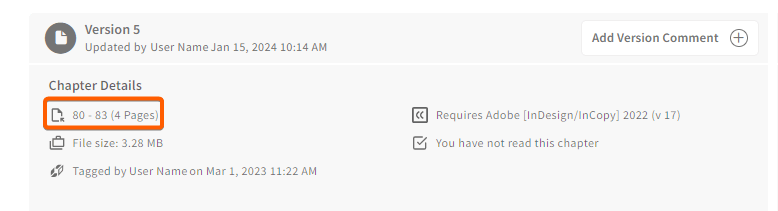
To simplify your work, the page number of each start and end page of a chapter as it appears in your project is now visible on both the Project Page and the Chapter Page
.
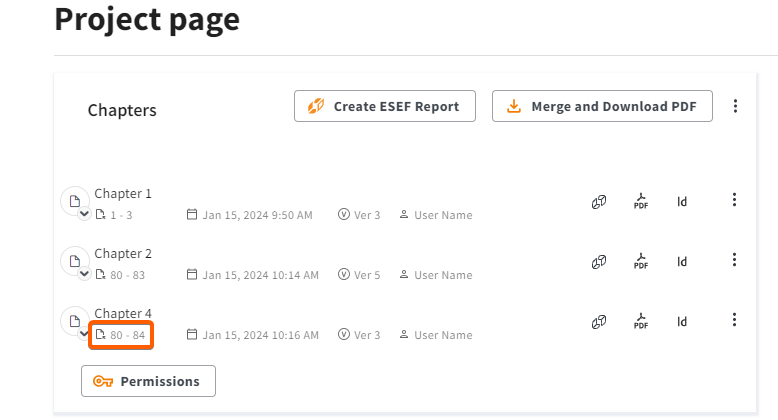
In addition, on the
Chapter Page
you will also be able to see the total number of pages in the chapter.

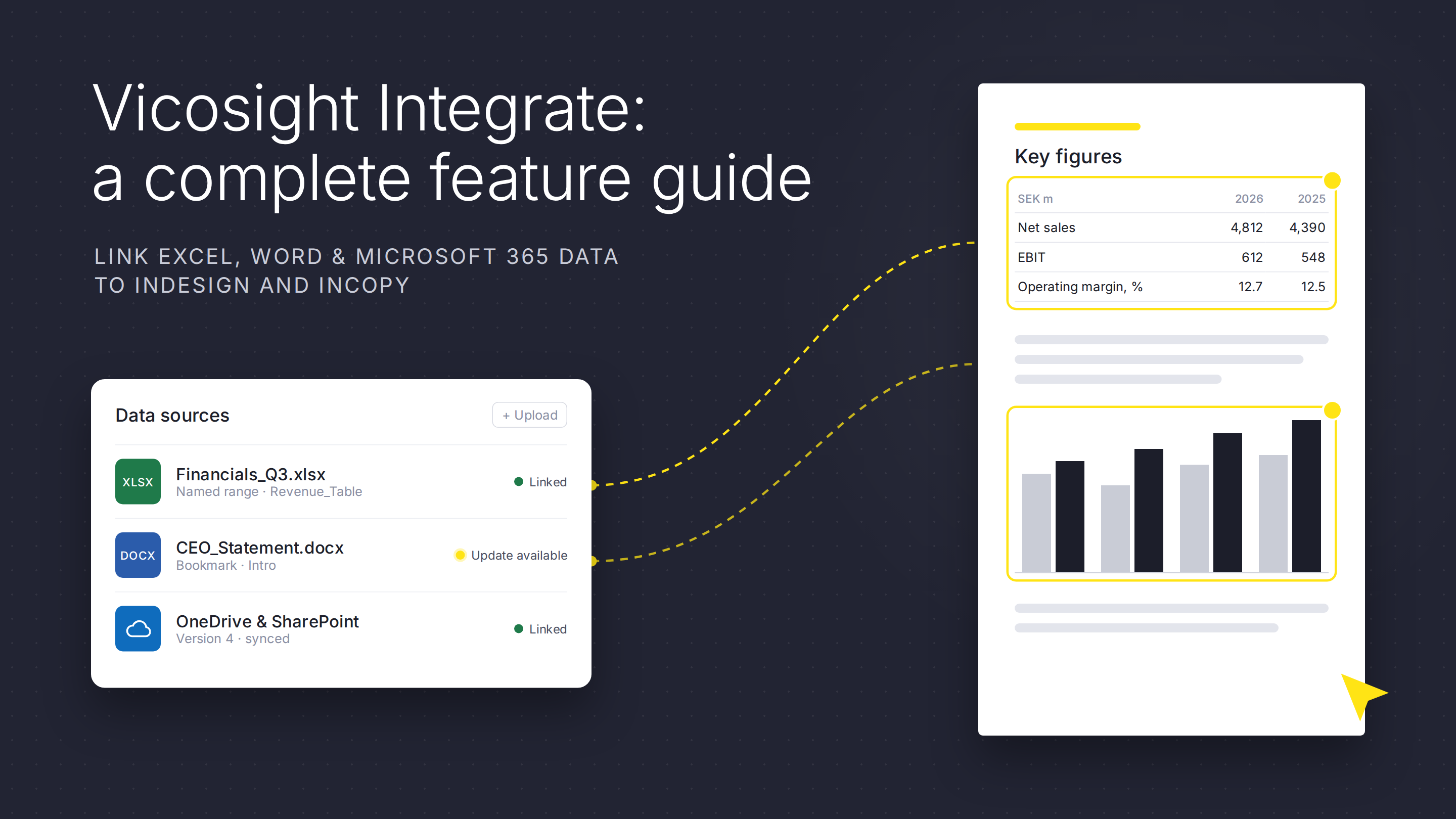
Vicosight Integrate is a data connectivity feature that enables you to link data sources directly to your InDesign and InCopy documents, reducing...
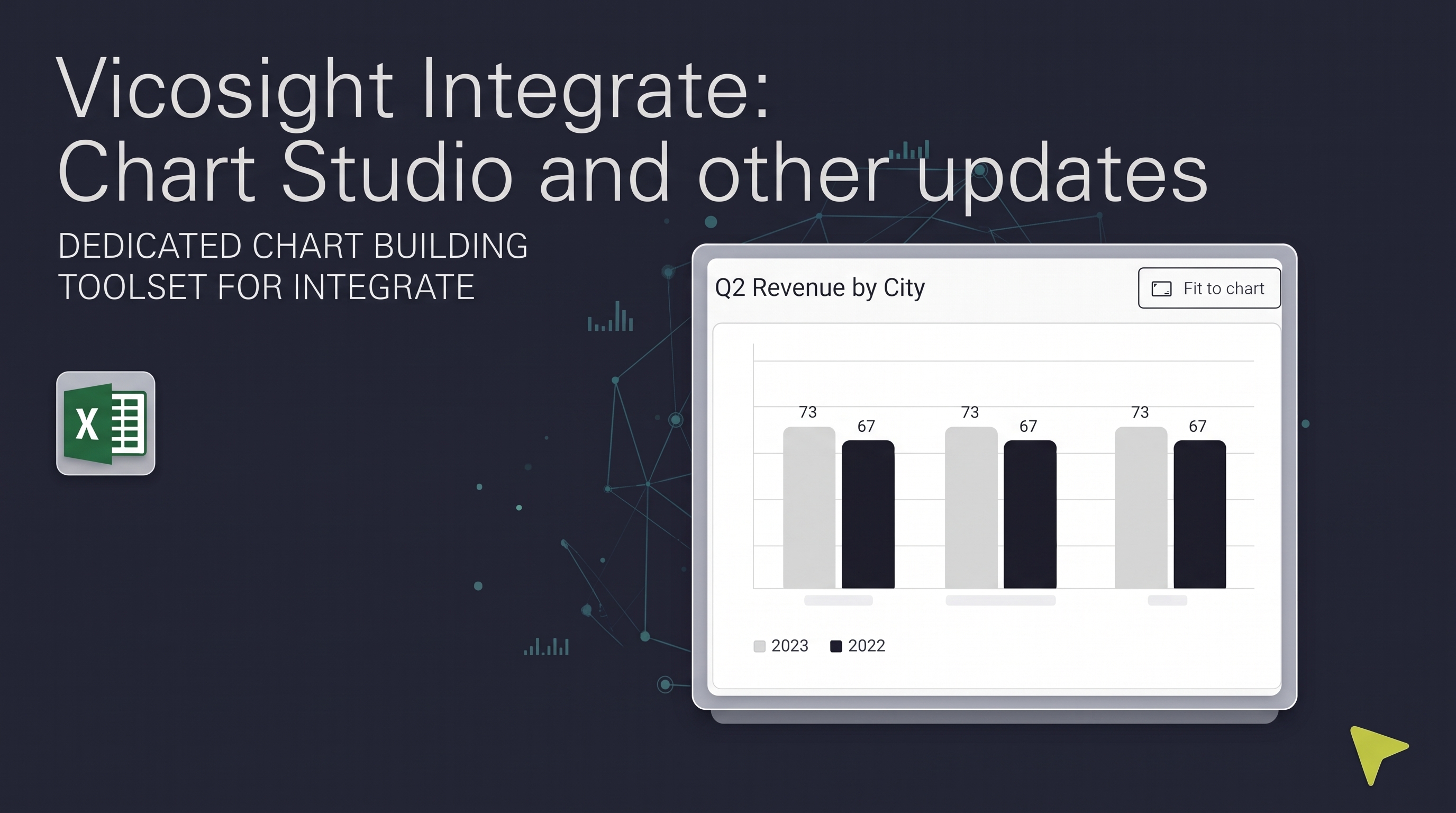
Over the past several months, Vicosight Integrate has received a series of updates introducing new capabilities and improvements to data handling,...

CtrlPrint has officially transformed into Vicosight, evolving from a trusted production tool into a modern digital ecosystem. Transitioning a 25-year...
Discover the latest updates to Vicosight Integrate, including the new Chart Studio, improved Microsoft 365 connectivity, and enhanced data import...
Enhanced navigation and resources To make it easier for you to navigate and find the information you need, we have added a number of links. On the...

1. Make an impression The first few spreads of your annual report act as a front door to your company. These are the first pages that readers will...