2 min read

Unleash your creativity without compromising data integrity with CtrlPrint Integrate

Unleash your creativity without compromising data integrity with CtrlPrint Integrate

Integrate has been developed in close collaboration with our users. Your invaluable feedback and collaboration have played a significant role in shaping this powerful tool. In October, we conducted a successful pilot program with a select group of users. We are excited to extend the benefits of this solution to all our users.

What is CtrlPrint Integrate?

CtrlPrint Integrate enables you to securely add your external data sources to CtrlPrint and establish a seamless connection with your CtrlPrint documents. You can continue to use your existing financial and sustainability systems, using Excel as your trusted tool for structuring and formatting the data for external reporting. With CtrlPrint Integrate, you can:

  • Add your data sources:Integrate your external data sources with CtrlPrint, establishing a robust connection between your data and your CtrlPrint documents.
  • Maintain and expand your existing process:Keep all the benefits from our platforms collaboration, version control, and security features. Continue to use the industry-standard InDesign for visually appealing layouts while also incorporating your data sources.
  • Trust your data: CtrlPrint Integrate seamlessly integrates your data sources to your documents, ensuring data integrity throughout the reporting process.

A selection of things you could do with CtrlPrint Integrate

  • Work with tables:Integrate enables you to connect tables from your data sources into your report. When you upload a new version of the source file to CtrlPrint your tables can be seamlessly updated. When you refresh your data source, whether it is one or multiple tables, the data is automatically updated, ensuring your report consistently reflects the most current information available.
  • Work with text:Integrate enables you to seamlessly insert figures within the body text of your report, ensuring synchronisation even during last-minute changes to key figures. You can directly insert text, defined as single-cell named ranges from your data source, using Integrate within InDesign or InCopy.
  • Handle permissions:Integrate allows you to control who has access to the data you have uploaded to CtrlPrint. For example, you can work on the figures and your agency can work on the table design without the agency needing to see the figures until you decide they can.
  • Work with versions: As data source owner or a user with Editor permissions you can upload a new version of your files, ensuring you always work with the right data. Integrate also allows you to go back to older versions if something goes wrong.

Support and Learning Resources

Visit our support page to stay updated on how to use CtrlPrint Integrate. For in-depth knowledge, explore our Learning Hub.

Interested in CtrlPrint Integrate?

If you are considering using CtrlPrint Integrate for your reporting project or have any questions, please reach out to your account manager or use the contact form on our website .

Visit our product page


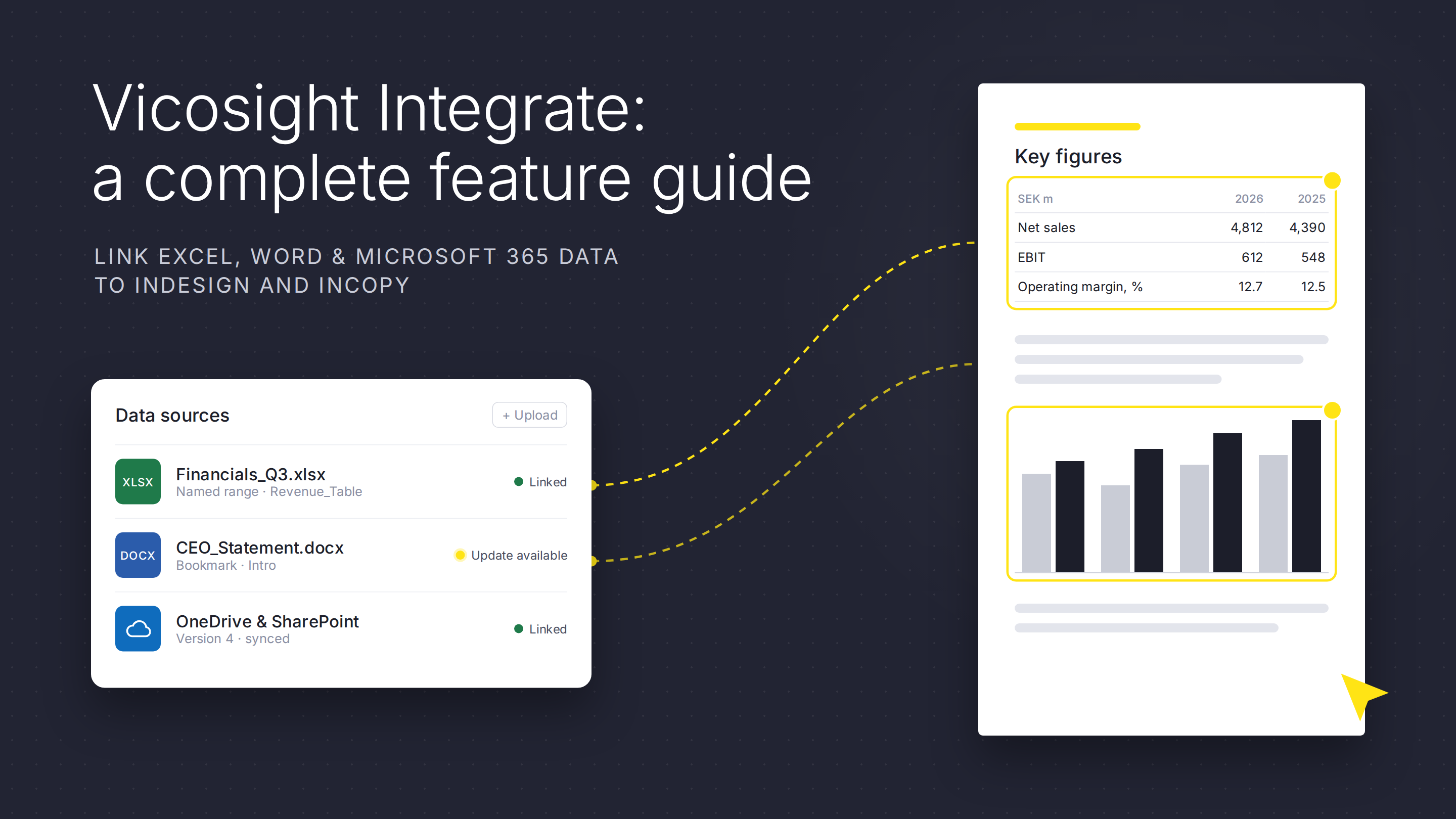
Vicosight Integrate: a complete feature guide

Vicosight Integrate: a complete feature guide

Vicosight Integrate is a data connectivity feature that enables you to link data sources directly to your InDesign and InCopy documents, reducing...
Read More
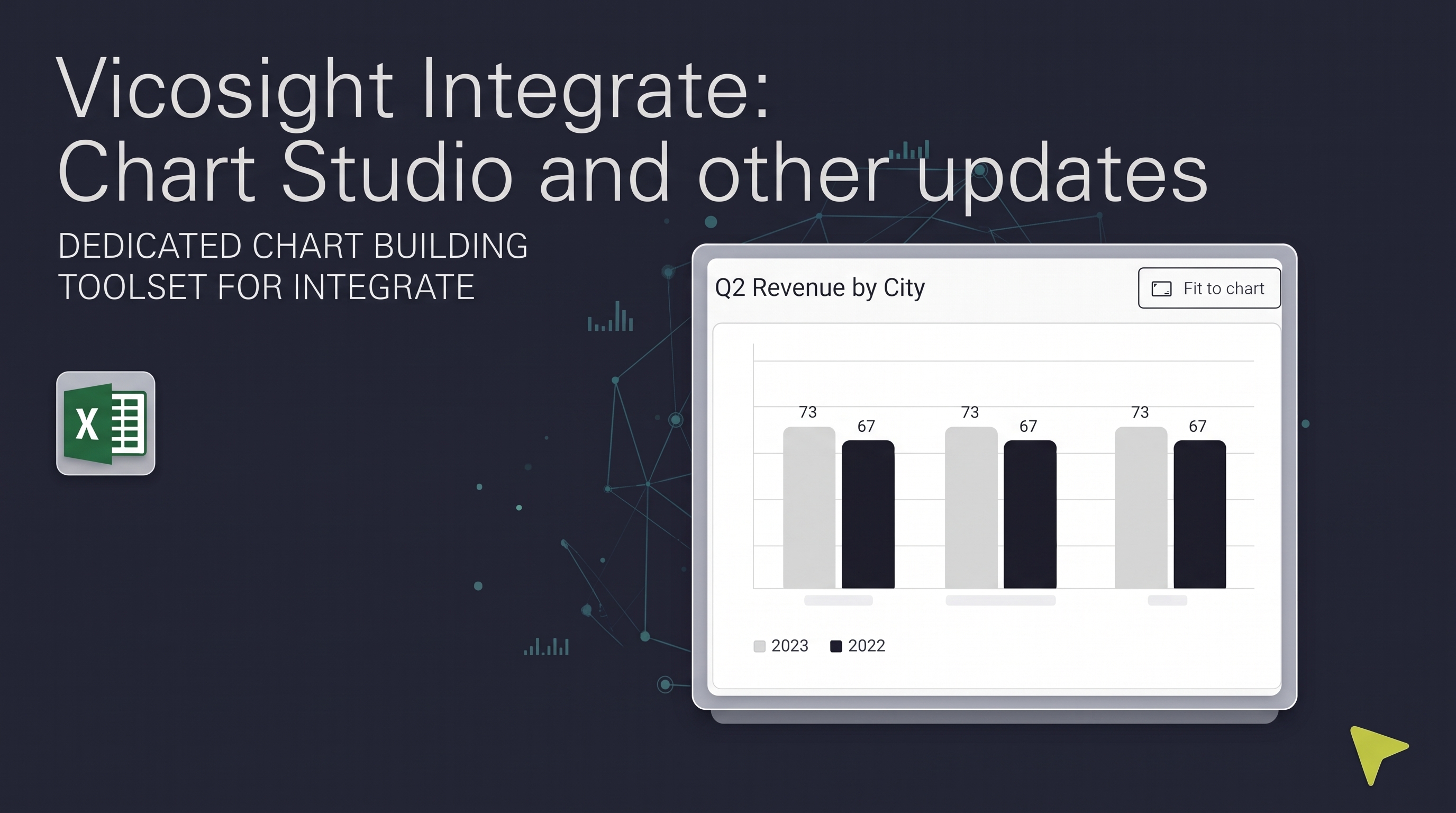
Vicosight Integrate: Chart Studio and other updates

Vicosight Integrate: Chart Studio and other updates

Over the past several months, Vicosight Integrate has received a series of updates introducing new capabilities and improvements to data handling,...

Read More
Crafting Vicosight new brand identity: evolving a 25-year legacy in corporate reporting

Crafting Vicosight new brand identity: evolving a 25-year legacy in corporate reporting

CtrlPrint has officially transformed into Vicosight, evolving from a trusted production tool into a modern digital ecosystem. Transitioning a 25-year...

Read More
Vicosight Integrate: a complete feature guide

Vicosight Integrate: a complete feature guide

Discover how Vicosight Integrate streamlines data connectivity in InDesign and InCopy, enhancing efficiency with robust features for seamless content...

Read More
The CFO’s dilemma: balancing AI acceleration with audit integrity

The CFO’s dilemma: balancing AI acceleration with audit integrity

Balancing AI in reporting with audit integrity is crucial. Learn how CFOs can integrate AI within a secure platform to enhance efficiency while...

Read More
Vicosight Integrate: Chart Studio and other updates

Vicosight Integrate: Chart Studio and other updates

Discover the latest updates to Vicosight Integrate, including the new Chart Studio, improved Microsoft 365 connectivity, and enhanced data import...

Read More