Vicosight Integrate: a complete feature guide
Vicosight Integrate is a data connectivity feature that enables you to link data sources directly to your InDesign and InCopy documents, reducing...
1 min read
Switching your annual report layout from portrait to landscape may require some tables having to be split into two. This is commonly seen in the balance sheet. See example below.

Highlight both parts of the table and apply the abstract, ie. one frame that covers both tables as in the above example.
In the table properties tab set the "Disable Automatic Related Cell Tagging" attribute to “true”.
Once you've tagged your table, you will see the following message in your in-tool validation window: “An adjacent cell has a different tag, please check if this is intended.” This can be considered informational and, as such, can be ignored.
[cp_button link='https://support.ctrlprint.net/hc/en-us/articles/7562109968669-How-to-Tag-a-Split-Table' text='Read more on our support page' type='external']The ‘CtrlPrint ESEF Highlights’ is sent by email and complements our ESEF News and Q&A webinars. The idea is that even if you don’t have time to join us live for 45 minutes, you will still have the opportunity to receive the most important information directly in your inbox, by signing up for our upcoming emails.
We will not send these updates on a regular basis; instead, we will write when we hear or notice something that we consider important for your reporting project. We aim to maintain a close relationship with larger firms to ensure we can help you navigate in this rapidly changing world.
To get these highlights send to your email, we kindly ask you to sign up by following the link below.
[cp_button link='http://eepurl.com/istRb6' text='Sign up for ESEF Highlights' type='external']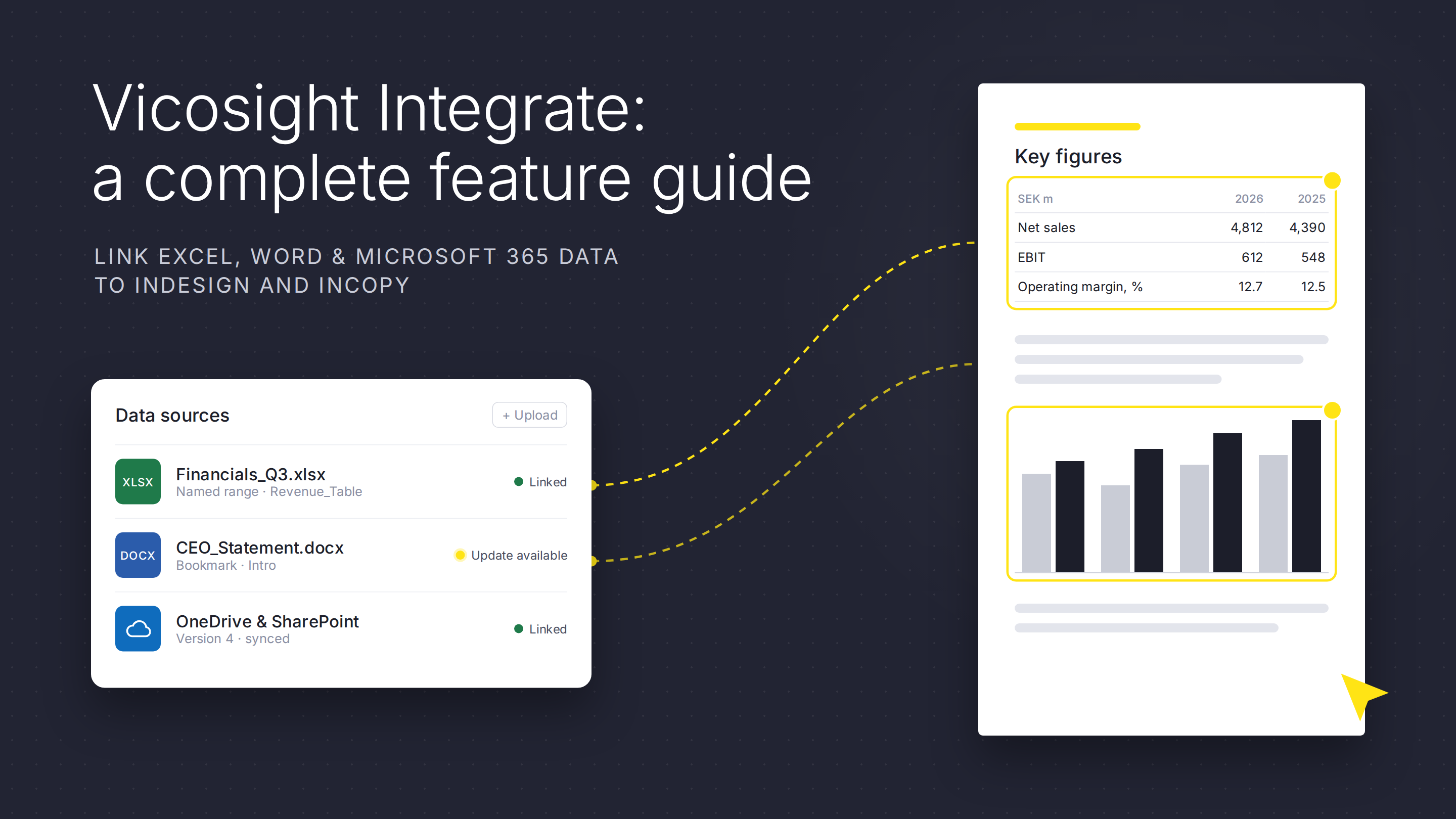
Vicosight Integrate is a data connectivity feature that enables you to link data sources directly to your InDesign and InCopy documents, reducing...
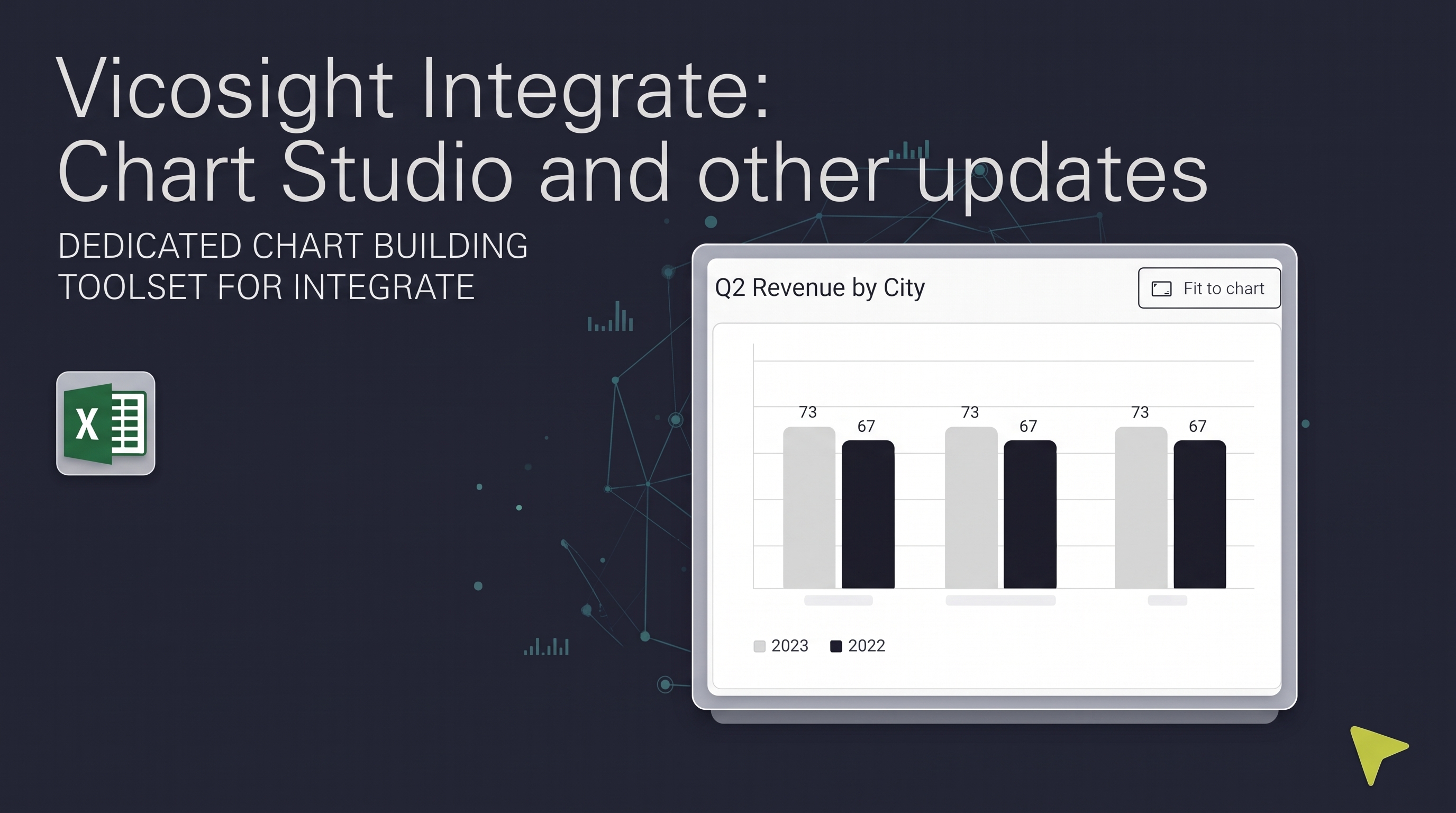
Over the past several months, Vicosight Integrate has received a series of updates introducing new capabilities and improvements to data handling,...

CtrlPrint has officially transformed into Vicosight, evolving from a trusted production tool into a modern digital ecosystem. Transitioning a 25-year...

Easily file your CSRD and financial reports to the Dutch KvK with CtrlPrint, streamlining compliance with new regulations in a digital landscape.

Explore the evolving financial landscape in Germany for 2026, focusing on HGB, IFRS, and CSRD compliance amid new sustainability requirements.

Tag Review: In December 2024 we introduced the Tag Review, which is a tool that will help ESEF users in verifying the content of text block and...