 Michel Pinna
Vicosight Integrate: a complete feature guide
Vicosight Integrate is a data connectivity feature that enables you to link data sources directly to your InDesign and InCopy documents, reducing...
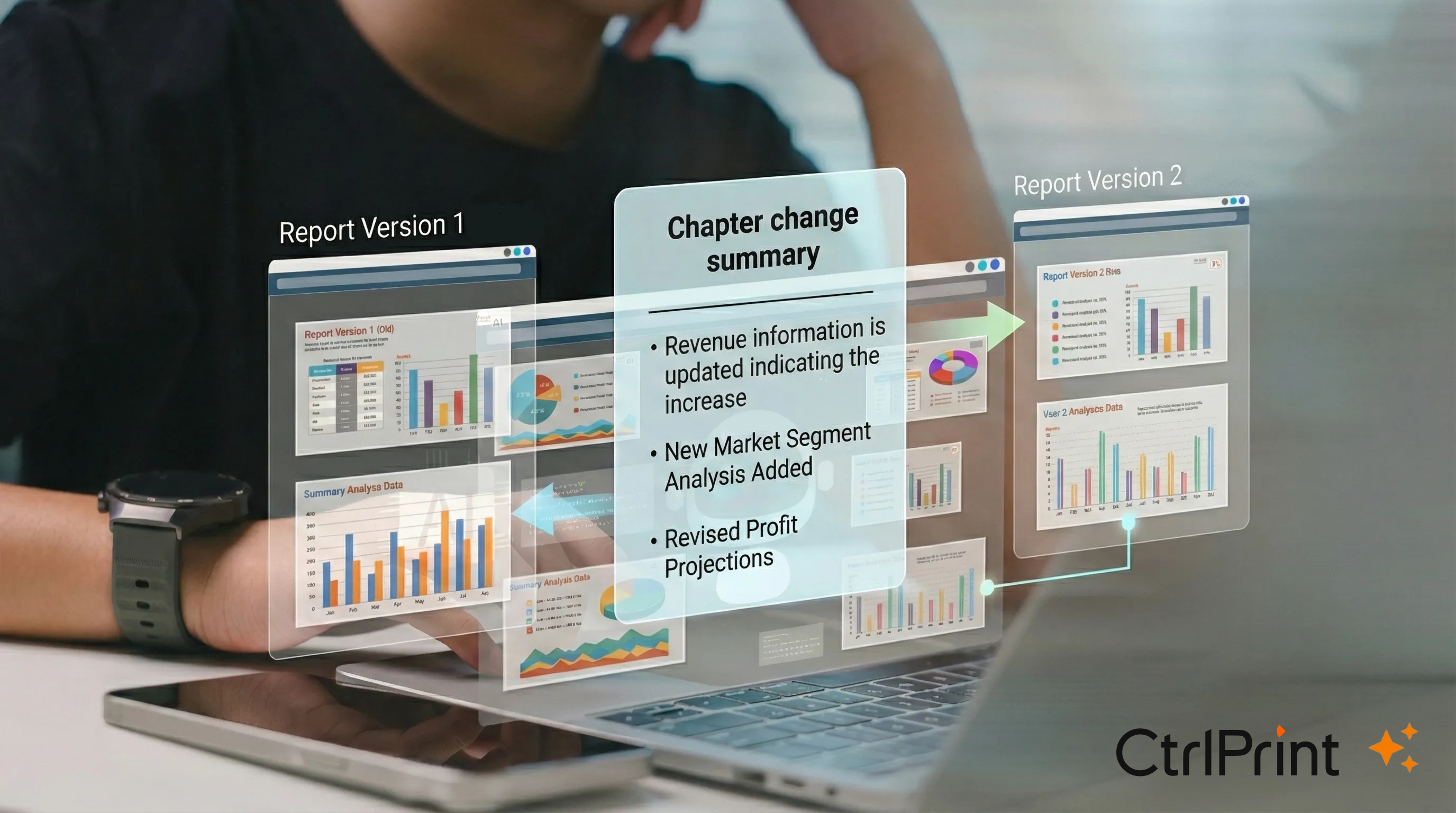
Reviewing the changes between versions can take up considerable time. Version number has changed, but what is actually new? Keeping track of progress shouldn’t be the part that slows reporting down - but it often is. Writing, designing and tagging content is only half the job. Before a new version becomes “latest”, someone still needs to answer one question:
What has actually changed?
In high-stakes, time-pressured review cycles, version notes and comments don’t always give reviewers the confidence they need. Teams end up comparing two PDFs side by side - especially when layout has shifted or new visuals have been added. It’s time-consuming, and it can become a bottleneck for approvals.
With CtrlPrint Intelligence, we’re introducing our first AI-assisted tool designed to speed up review workflows without changing how you work in CtrlPrint.
Change Summary lets you select two versions of the same chapter and generates a short summary of the material changes in seconds. It’s a quick way to understand what’s new before you dive into detailed validation.
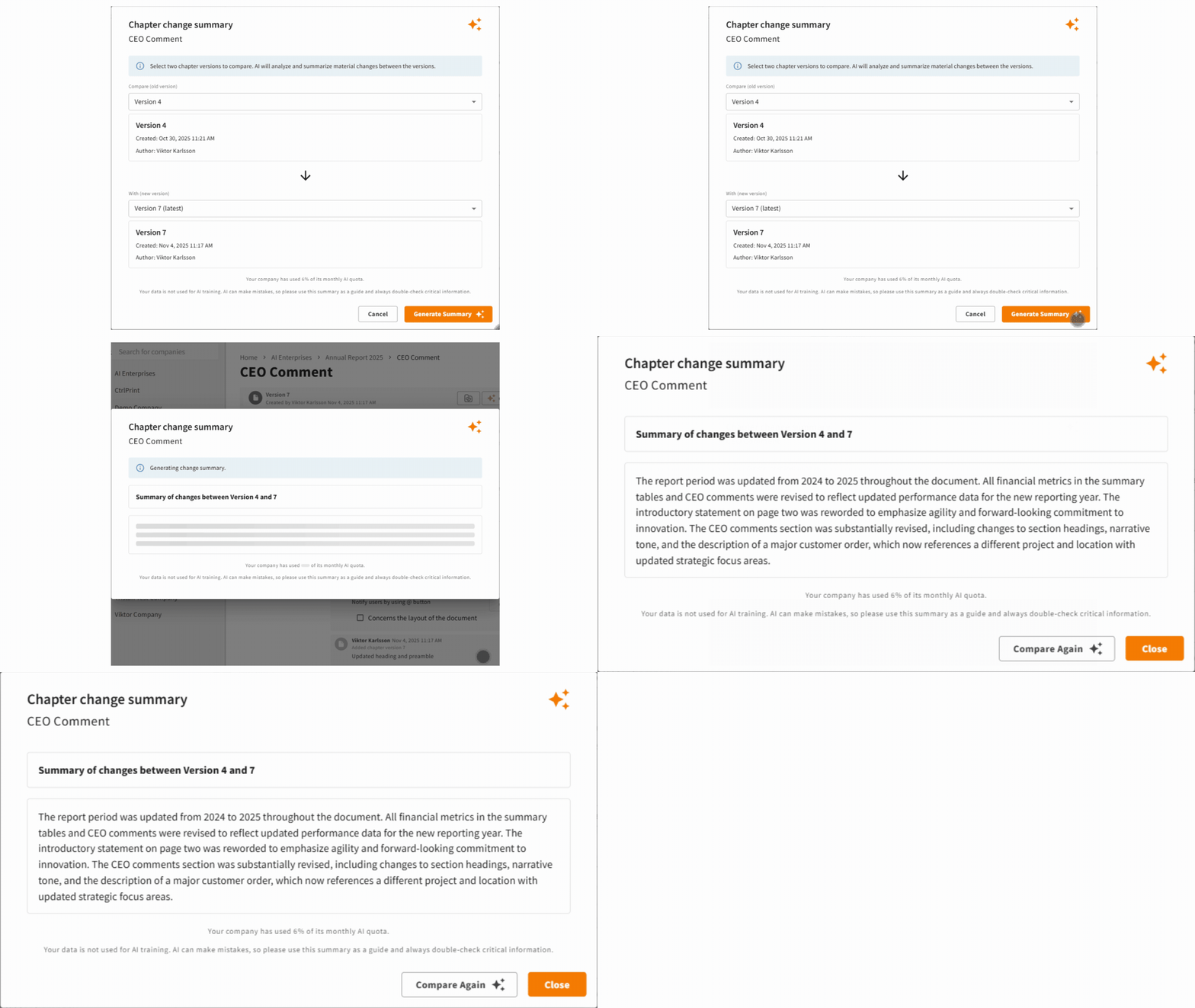
Use Change Summary to speed up internal review and approval rounds - especially when senior stakeholders need a quick overview before they approve.
Use Change Summary to reduce “what changed?” calls and emails, and make client review cycles easier to manage across multiple contributors and iterations.
1. Enable CtrlPrint Intelligence (admin-controlled)
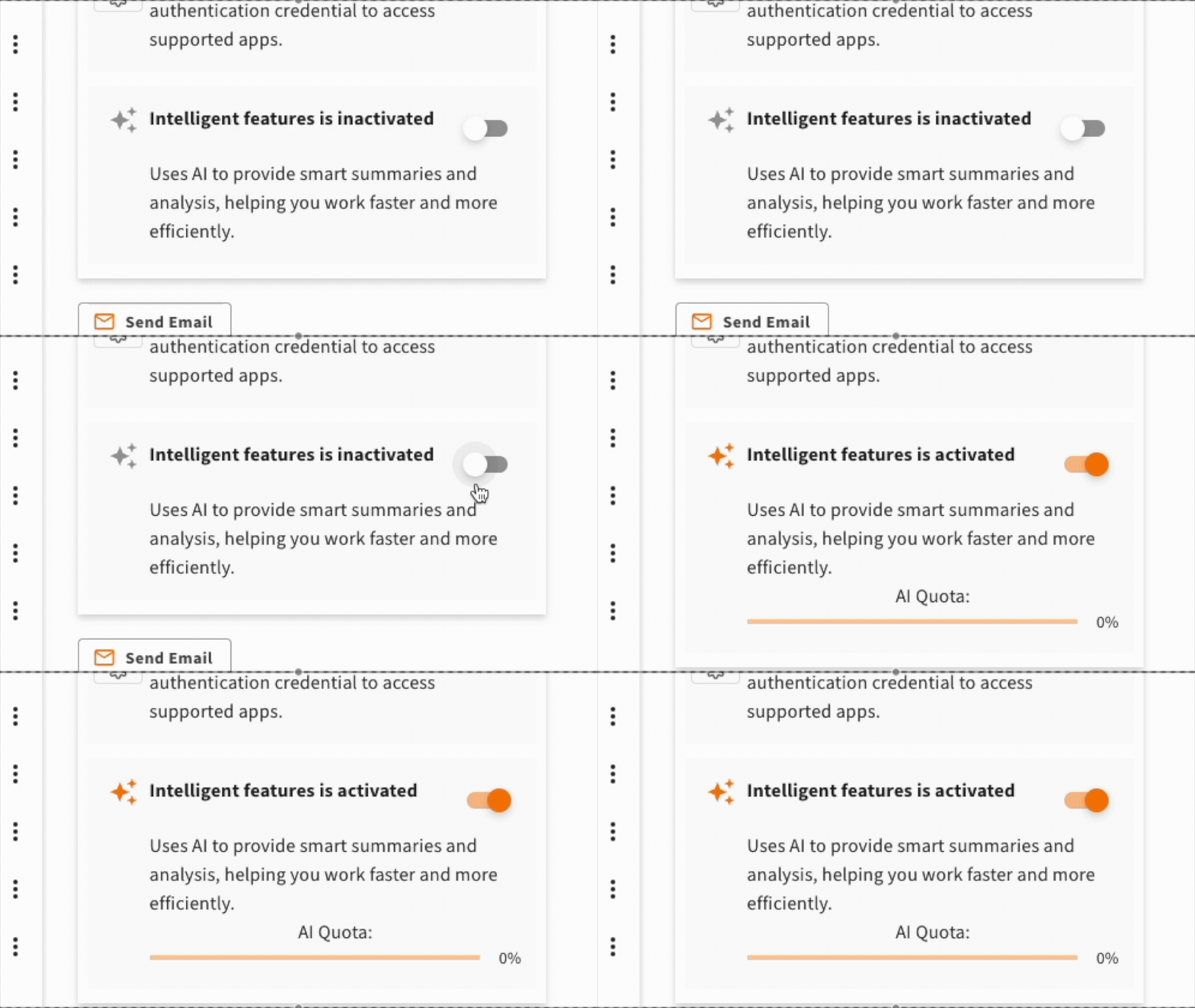
AI features are off by default. To use Change Summary, a Company Administrator needs to enable Intelligent Features.
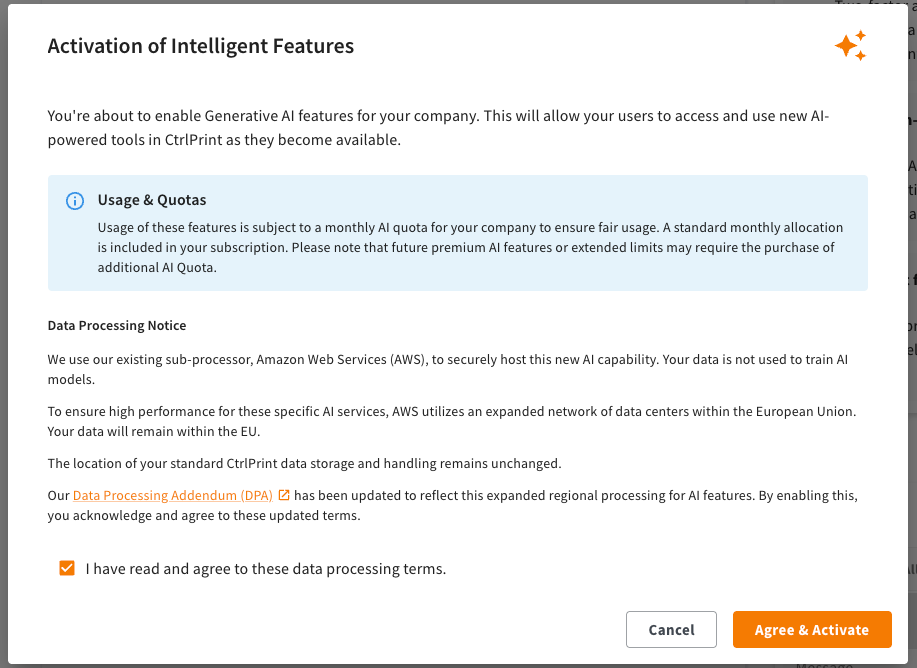
During activation, the administrator needs to review the data processing terms. You can find more details in the Data Processing Addendum, Schedule 3 is the updated part. This clarifies what is processed, where it is processed, and under which terms - so there are no surprises.
2. Open your chapter and run a comparison
Once enabled, go to a chapter with multiple versions, click “Change summary”, and select the two versions you want to compare.
Security remains the priority - and we’ve designed CtrlPrint Intelligence Features so you can benefit from AI without changing the way your existing workflow runs.
CtrlPrint Intelligence Features are included with your licence at no extra cost, up to a monthly AI usage limit.
This gives your team access to AI-assisted features like Change Summary without additional charges, while keeping usage fair and predictable.
You can always see how much of your included usage has been used:
If your company reaches 100% of its included monthly usage, AI-powered features are paused for the rest of the month and automatically resume after the monthly reset.
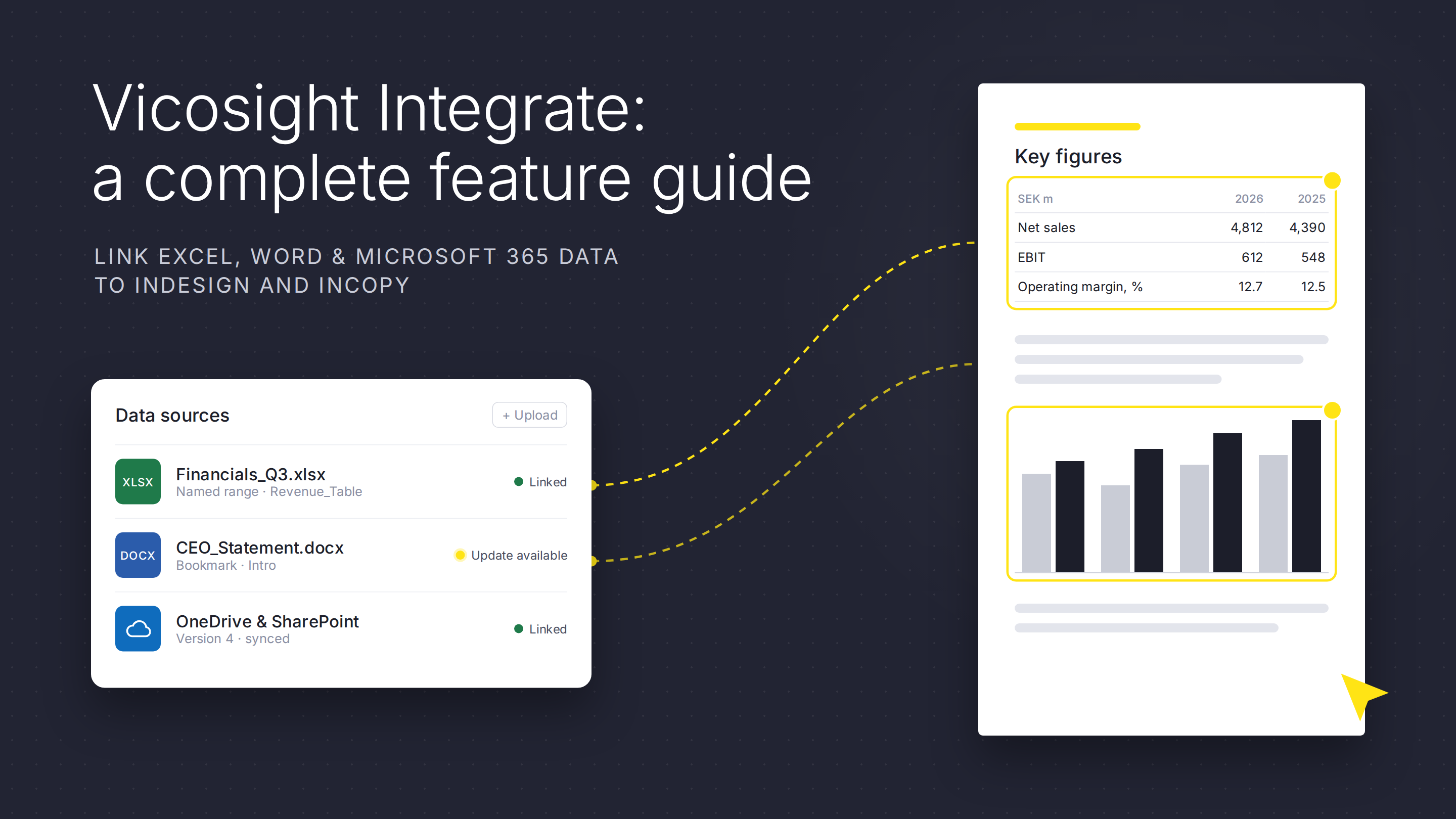
Vicosight Integrate is a data connectivity feature that enables you to link data sources directly to your InDesign and InCopy documents, reducing...
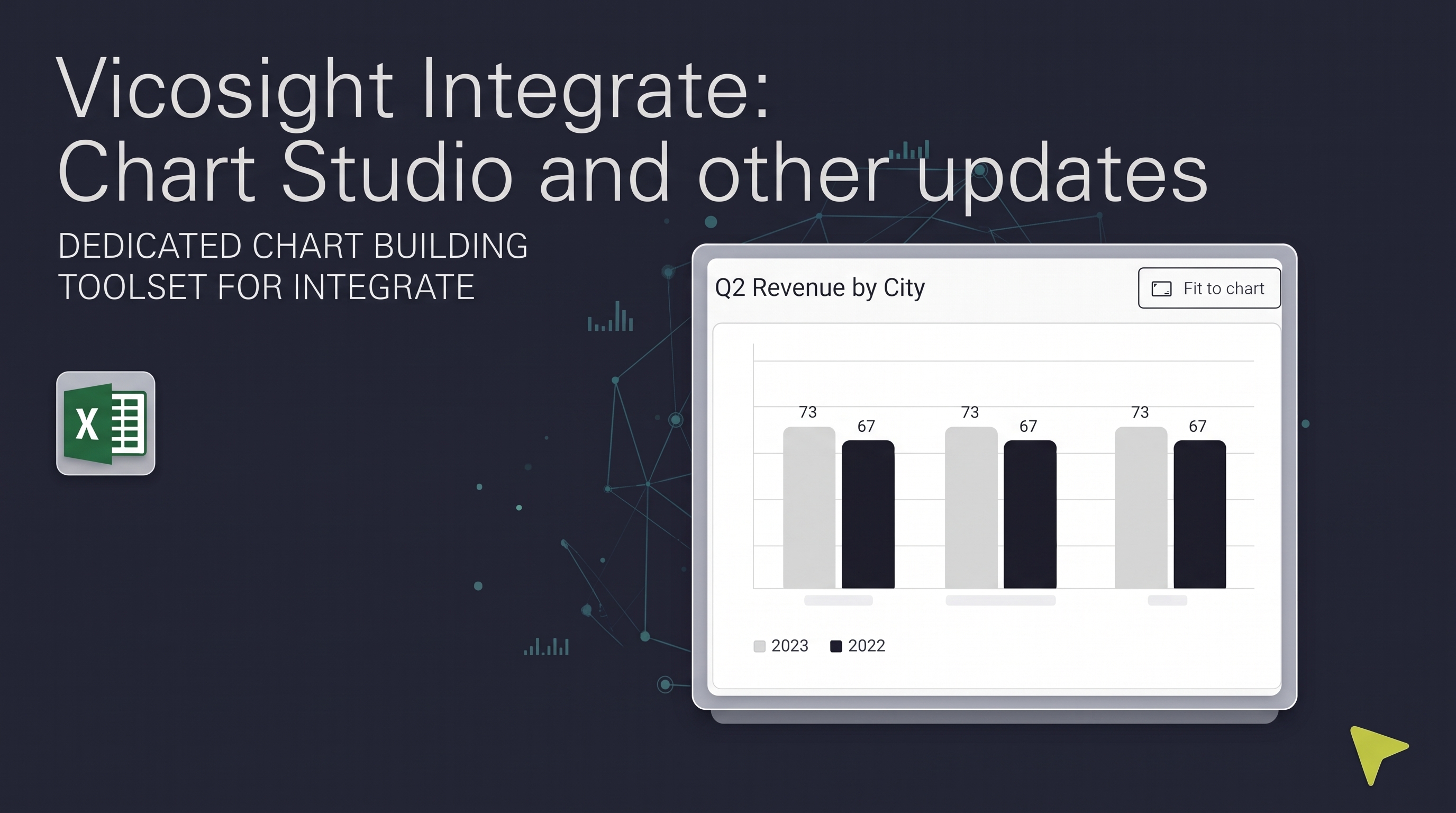
Over the past several months, Vicosight Integrate has received a series of updates introducing new capabilities and improvements to data handling,...

CtrlPrint has officially transformed into Vicosight, evolving from a trusted production tool into a modern digital ecosystem. Transitioning a 25-year...
.jpg)
Balancing AI in reporting with audit integrity is crucial. Learn how CFOs can integrate AI within a secure platform to enhance efficiency while...
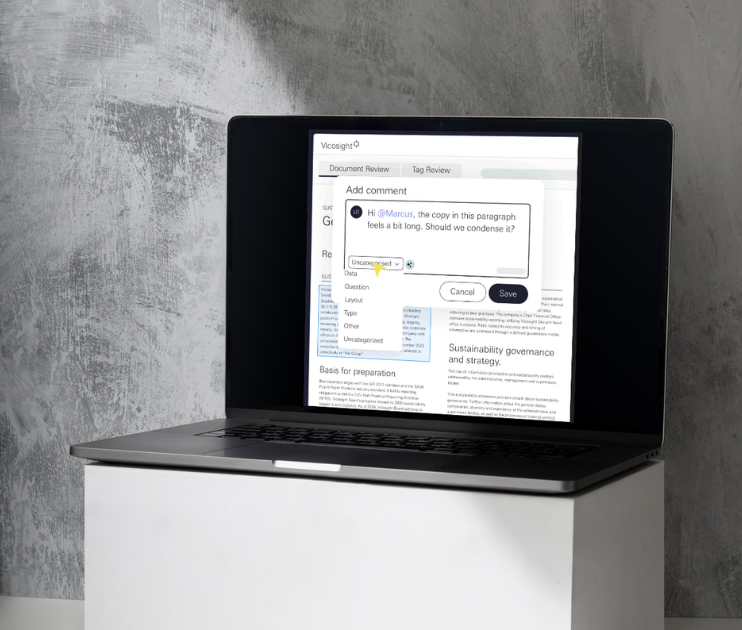
Discover how to overcome the complexities of corporate reporting with structured workflows that enhance efficiency, accuracy, and compliance in your...

Explore how AI is transforming financial reporting. Learn how automation, generative AI, and data analysis are improving speed, quality, and...