2 min read

Mastering the proxy season: how to handle information circulars without the headache

Mastering the proxy season: how to handle information circulars without the headache

For Company Secretaries, Investor Relations leads, and Governance teams, few phrases induce quite the same mix of adrenaline and dread as “Proxy Season”. Whether you call it a Proxy Statement, an Information Circular, or a Proxy Circular, the mandate is the same: deliver a flawless, legally binding document to your shareholders before the AGM.

The stakes are incredibly high. This document isn’t just a formality; it is the blueprint of your corporate governance, executive compensation, and strategic direction. Yet, for many organisations, creating it remains a disjointed process of email attachments, version control nightmares, and late-night panic.

It doesn’t have to be this way. By shifting from siloed working to a centralized, collaborative approach, you can turn the proxy circular from a burden into a streamlined showcase of corporate excellence.

The “version control” trap

The traditional workflow for a proxy statement often looks like a chaotic relay race. Legal drafts the compensation analysis in Word. HR edits the remuneration figures in Excel. Then, an external agency attempts to paste it all into Adobe InDesign.

The moment a change is requested – perhaps a last-minute adjustment to a director’s bio – the chain breaks. Who has the master file? Is it the version in the lawyer's inbox or the designer’s Mac?

This is where a dedicated reporting platform changes the game. CtrlPrint streamlines this reporting workflow across four main stages. Instead of passing files back and forth, content teams start working directly in InDesign, Word and Excel, connected through the platform. This means your legal team can edit the text within the formatted layout. While they don’t replace the typographic expertise of a designer, they do eliminate the “middleman” for text entry, significantly reducing the risk of transcription errors.

Seamless collaboration for high-stakes reviews

Proxy statements require sign-off from the highest levels of the organisation. Chasing these approvals via email is inefficient for everyone.

A modern approach utilises a secure cloud platform to ensure version control and real-time, role-based access. This provides fine-grained access control to all team members. You can effectively “lock” specific sections – for example, allowing HR to edit compensation tables while preventing them from accidentally altering the Chairman’s letter.

Furthermore, internal and external stakeholders can review documents via CtrlPrint Review. This allows for a digital “pen-on-paper” experience where comments are centralised. Crucially for legal documents, TrackChanges captures all edits transparently. While this audit trail requires disciplined governance, it provides a necessary history of who changed what and when.

Bridging the gap between data and design

One of the greatest friction points in proxy preparation is the table-heavy nature of the document. Executive compensation tables are data-rich and unforgiving of errors.

That is why at CtrlPrint we have developed Integrate, a lightweight integration that allows for the smooth transfer of content between reporting and source files. This ensures that when the numbers update in your source data, they can flow into the report without manual re-keying. And because the report is built in Adobe InDesign throughout the process, the result keeps full design and brand fidelity. You aren’t looking at a drab Word document until the final week; you are seeing the publication-ready asset evolve in real-time.

Conclusion: a smarter way to report

Producing a proxy statement is a complex orchestration of legal precision and persuasive design. It requires a platform that understands the nuances of the corporate reporting cycle. By moving away from static files and into a collaborative environment, you ensure that the document sent to shareholders is accurate and beautifully presented.

Request a demo of CtrlPrint here.

How AB Sagax saves about a week per person for each report with Vicosight Integrate

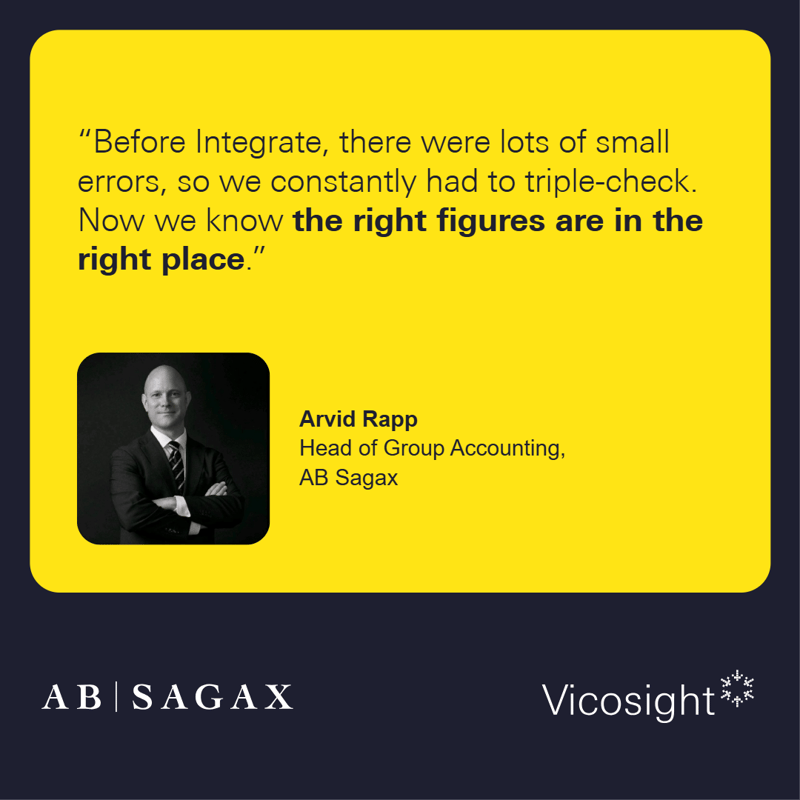
Arvid Rapp, Head of Group Accounting at AB Sagax, shares how Integrate links figures from Excel to the report, saving around 40 hours per report.

Read More

SBR taxonomy in Finland: iXBRL tagging for PRH filing with Vicosight

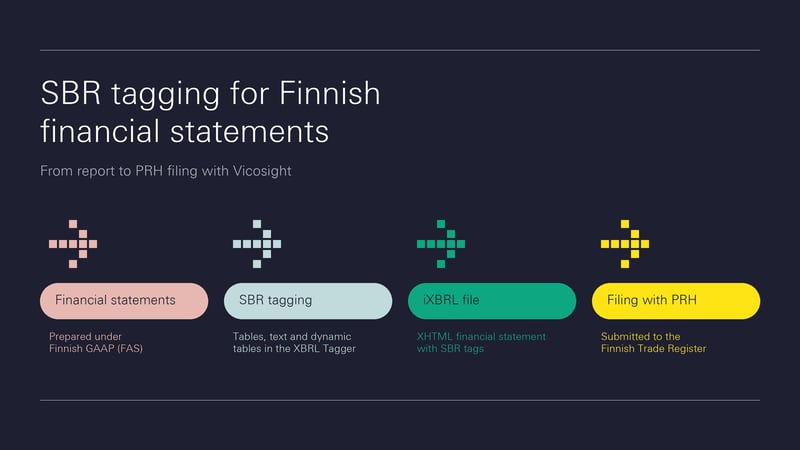
Discover how to navigate Finland's SBR taxonomy for iXBRL tagging with Vicosight, ensuring compliance for your digital financial statements.

Read More

How is corporate reporting really produced in 2026? Help us find out

Take part in Vicosight’s State of Corporate Reporting 2026 benchmark. 8–10 minutes, anonymous, and every participant can receive the benchmark report.

Read More
Sustainability report design: beyond hard data & compelling stories

Sustainability report design: beyond hard data & compelling stories

Discover how to streamline your sustainability report design process. We explore how to manage evolving regulations like CSRD and UKSEF without...

Read More
Your CtrlPrint learning journey starts here

Your CtrlPrint learning journey starts here

Bridging Knowledge Gaps The solution to this challenge is our new Learning Hub. It's a product of your feedback, with videos being a highly valued...

Read More
FAQ: What is the best time to publish a sustainability report?

FAQ: What is the best time to publish a sustainability report?

The gap between financial and sustainability reporting is closing. Learn how to manage the "double crunch" of integrated reporting deadlines with...
Read More