4 min read

ESEF tagging kickoff and walkthrough 2026 webinar

ESEF tagging kickoff and walkthrough 2026 webinar

Get ready for ESEF season

ESEF season is around the corner, and a well-prepared tagging setup makes all the difference.

Whether you're tagging for the first time or want to sharpen an existing workflow, you'll be ready to tag with confidence. One registration gives you access to both sessions.

Two sessions, one registration

Session 1: Mastering tagging of primary financial statements

We go through the key steps for setting up and tagging your financial statements:

  • Activation and settings
  • Table tagging, properties and calculations
  • Validations and mapping reports
  • Tips for efficient and accurate tagging

Session 2: Textblock tagging and finalising your report

This session covers textblock tagging of the notes and final report validation, so you can complete your ESEF report with confidence:

  • Textblock tagging of group notes
  • The Tag Review process
  • Exporting your ESEF report
  • Final validations and checks


Sign up to watch both sessions


Frequently asked questions from the live webinar

1. Are there any changes in this taxonomy regarding tags that are no longer available compared to previous year etc? (Perhaps you will get there in the presentation later on)

To our knowledge only one tag has been removed, DisclosureOfAccountingPoliciesMember. It is also the only element the IFRS Foundation actually deleted between 2024 and 2025. Please consult with your auditors for any other taxonomy related questions.

2. If I have everything in the same chapter, that is tables and notes, what is the best way to roll forward?

Yes, you can roll forward when tables and notes are in the same chapter. Start by rolling forward the whole chapter following the instructions in rolling forward textblock tags. Then go to the financial tables and check/manually update the dates.

3. Is Tag Review included automatically, or is it an add-on you have to pay for?

Tag Review is included free of charge for everyone using the XBRL Tagger in Vicosight. Read more in tag review.

4. Is there a way to tag charts? Our auditors noted that we need to tag charts as well. Last year we added a text next to each chart describing what it shows, but tagging the chart directly would be easier. Is there a solution?

Charts can't be tagged with their own tags, and ESEF doesn't require the values in a chart to be tagged. What's required is that the note is covered by a textblock tag. Your solution from last year, with a describing text next to the chart, works well.

5. Is there a difference between the income statement abstracts ifrs-full:IncomeStatementAbstract and ifrs-full:ProfitLossAbstract? Why are there two, and when should each be used?

ifrs-full:IncomeStatementAbstract ("Profit or loss [abstract]") is the abstract intended as the heading for the income statement itself, and it is the one you should use when you tag the table. As a rule of thumb, start with the top abstract in the folder for each statement, the one with the text "use this as a starting point". See also abstract tagging. ProfitLossAbstract is a narrower grouping used elsewhere in the taxonomy. If you want to group your tags with this abstract tag, you can find instructions on how to do so here: hierarchy tagging.

6. I did experince that the validations in the system are quite hard to always comprehand what it means is the issue (since they are long and sometimes cryptic). Do you have some sort of "ledger" on what the issue means? Or is that perhaps not possible?

Yes, validating your XBRL report – validation messages explains the most common validation messages and how to fix them, and errors vs. information vs. warnings explains which messages you need to fix.

7. If we tag 2025 first and then work on 2026, what is the recommended way to check that the same tags have been applied consistently to both years?

In the Tagger, the warning "Adjacent cell has a different tag" flags rows where the two years have different tags. For a documented check, we reccommend to review XBRL preview.

8. You mentioned that we can visually check that the tags are consistent between the two years. For audit trail purposes, however, we would prefer to have a more technical and documented way of performing this check. Could you show us in the next session what would be the best way to do this?

The recommended way is to download the mapping report for the chapters and compare the Excel files. The mapping report separates each statement into tabs, allowing you to filter the tags however you want in Excel. Information on how to download the mapping report can be found here: reports and files that can be downloaded from Vicosight and the XBRL tagger .

9. How do I update the dates in text tags I've rolled forward from last year?

Open the Tool box from the Options menu in the Tagger and use Replace the date to change last year's dates to this year's. The steps are described in rolling forward textblock tags.

10. Can I update the dates of existing tags by changing the reporting period in the XBRL project settings?

No. The reporting period in the XBRL project settings only applies to new tags. For tags you've rolled forward, use Replace the date in the Tool box, see rolling forward textblock tags. Tags on financial tables only get their dates updated automatically if you roll them forward following the instructions in using your mapping file to reapply tags to financial tables. Please note that you need to update the dates manually for the statement of changes in equity table.

11. Should we roll forward the tags before or after the report draft is ready?

If the layout changes are minor, roll forward early and adjust the tags as the content develops. Textblock tags are sensitive to content and layout changes, so do the final textblock tagging once the layout and content are locked. Read more in best practices for a successful ESEF reporting workflow.

12. Do textblock tags need to be in the same layer across the whole report?

Within a chapter, yes: the same textblock tag should be in the same layer. Across different chapters, the layers don't need to match. Read more in using layers and FAQ CtrlPrint frames, layers and textblock tagging.

13. When do monetary tags need an abstract?

When you apply a monetary tag to a figure in the text (from the Preview tab), you also need to apply a parenthetical abstract on top of it. Otherwise you'll get a validation error. See tag a numerical value in a text string/parenthetical tagging.

14. I'm taking over from a colleague that has quit. It's the first time I'm tagging. Any tips?

 Welcome! Our guide an overview of the tagging process in Vicosight takes you through tagging from start to finish, and best practices for a successful ESEF reporting workflow has useful tips too. You don't have to start from scratch, since you can roll forward last year's tagging, see question 3 for detailed instructions.

The Audit-Ready ESEF:Build confidence in your digital data

Master ESEF tagging for 2025 with our CtrlPrint webinars, covering key workflows, updates, and best practices in two short sessions. Sign up now for...

Read More

Recording: CtrlPrint Integrate Deep Dive

Integrate your financial, ESG and narrative data in designed reports. In this webinar, we walk you through setup of data connections between Excel,...

Read More

5 New CtrlPrint Essentials to streamline design workflow

Streamline your reporting workflow with new CtrlPrint tools for designers. Discover Preflight checks, data integrations, and more in our latest...
Read More
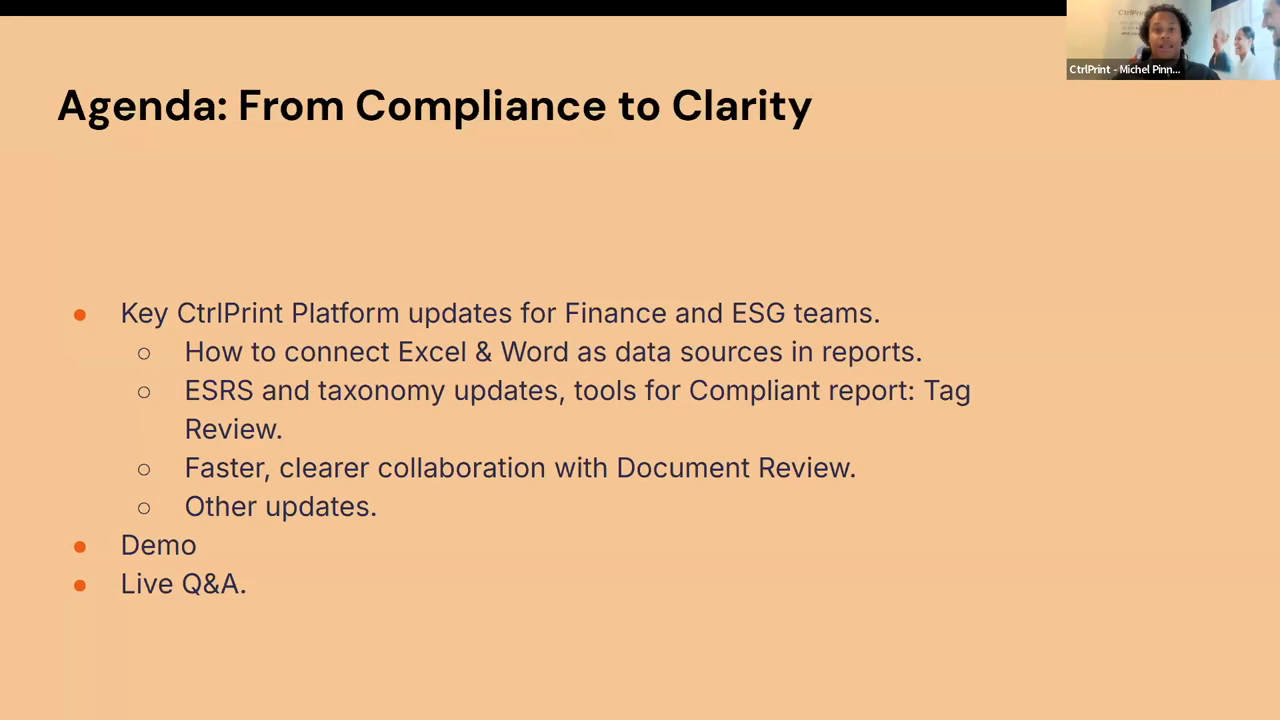
From Compliance to Clarity: Watch What's New in CtrlPrint for 2025

From Compliance to Clarity: Watch What's New in CtrlPrint for 2025

Discover what's new in CtrlPrint for 2025 – platform updates, XBRL tagging, Word + Excel sync, and more. Watch the on-demand webinar.)
Read More
The Audit-Ready ESEF:Build confidence in your digital data

The Audit-Ready ESEF:Build confidence in your digital data

Master ESEF tagging for 2025 with our CtrlPrint webinars, covering key workflows, updates, and best practices in two short sessions. Sign up now for...
Read More
Recording: CtrlPrint Integrate Deep Dive

Recording: CtrlPrint Integrate Deep Dive

Integrate your financial, ESG and narrative data in designed reports. In this webinar, we walk you through setup of data connections between Excel,...

Read More